

Download Tally.ERP 9 – accounting, finance, inventory, sales, purchase, payroll, manufacturing, job costing, branch management, remote access, business management, small business, ERP
Overview
Tally.ERP 9 is a high-performance business management software designed to meet the comprehensive operational needs of modern enterprises. Developed by Tally Solutions Pvt. Ltd., the application serves as a centralized platform for managing critical business functions such as accounting, finance, inventory, sales, purchases, payroll, manufacturing, job costing, and branch management. It is particularly tailored for small and medium-sized businesses seeking a reliable, scalable solution to streamline daily operations and ensure compliance with statutory and regulatory requirements.
The software addresses core challenges in business management by integrating multiple workflows into a single, unified system. This integration reduces data redundancy, minimizes manual errors, and enhances decision-making through real-time access to financial and operational data. Its ability to support remote access enables teams, accountants, and business owners to collaborate effectively across different locations, ensuring continuity and transparency in business processes.
Real-world use cases include managing multi-location retail operations, tracking inventory levels in manufacturing units, processing payroll cycles efficiently, and generating statutory reports for tax compliance. The app plays a significant role in the business software ecosystem by offering a robust alternative to fragmented tools, especially for organizations that require a full-featured ERP solution without the complexity of enterprise-level platforms.
The developer did not provide additional technical details about the underlying architecture or deployment model. However, the app’s focus on performance, customization, and remote collaboration underscores its value in modern business environments.
Key Features & Functionality
- Integrated Accounting & Finance Management: Centralizes all financial transactions, including journal entries, ledgers, bank reconciliations, and financial statement generation, ensuring accurate and timely reporting.
- Inventory and Sales Control: Enables real-time tracking of stock levels, batch management, expiry tracking, and automated sales order processing, improving supply chain efficiency.
- Purchase and Payroll Modules: Streamlines procurement workflows and automates salary calculations, deductions, and statutory contributions like PF and ESI.
- Manufacturing and Job Costing: Supports production planning, material cost tracking, and job-wise cost analysis, helping businesses optimize resource allocation and pricing strategies.
- Remote Access and Collaboration: Allows authorized users to access data securely from any location, facilitating continuous operations and remote audits.
- Branch Management: Offers centralized control over multiple business units, with independent yet synchronized data flow between branches.
- Customization and Scalability: Users can activate only required modules based on their operational needs, reducing initial setup time and cost.
For instance, a small manufacturing firm can use the job costing module to track expenses per production order while leveraging the inventory feature to monitor raw material usage. A retail chain can manage stock across multiple outlets through the branch management system, ensuring accurate demand forecasting and reduced overstocking. These capabilities make Tally.ERP 9 a versatile tool for businesses aiming to digitize and optimize their operations.
Interface, UX & Performance
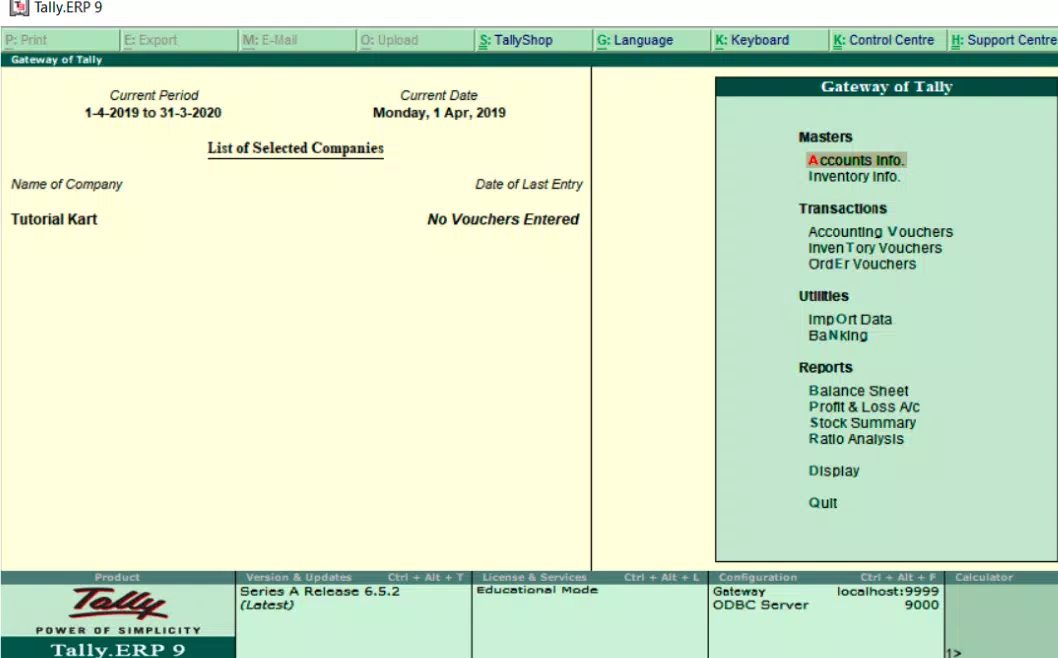
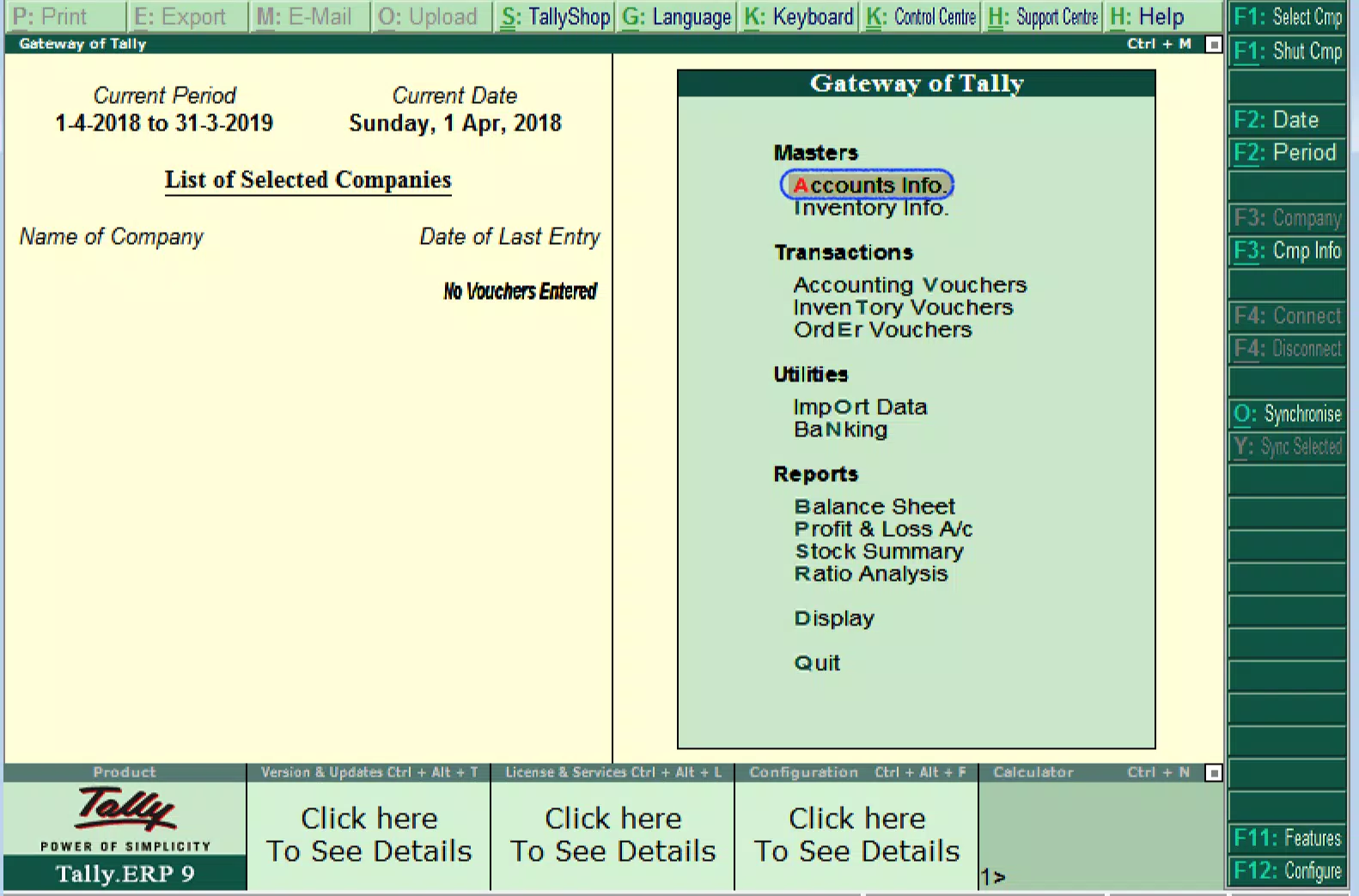
The user interface of Tally.ERP 9 is designed with a focus on clarity and functional efficiency, offering a structured layout that aligns with standard business workflows. Navigation is organized through a menu system that provides quick access to core modules such as accounting, inventory, and payroll. Visual elements are minimal yet effective, prioritizing data readability and ease of input.
Users can expect a responsive experience across different device categories, including smartphones and tablets. Although the developer did not list formal performance metrics, the app’s lightweight size of 34.5 MB suggests optimized resource usage. The interface maintains stability during routine operations, with smooth transitions between screens and consistent load times for data retrieval.
Responsiveness is maintained even when handling moderate volumes of transactional data, which is critical for real-time decision-making. The app supports offline data entry with automatic synchronization upon reconnection, enhancing usability in low-connectivity environments. However, specific requirements for device performance or memory were not listed, and no information was provided about long-term stability under heavy usage.
Platform Compatibility & Technical Requirements
Tally.ERP 9 is available on both Android and iOS platforms, making it accessible to a wide range of users across different mobile ecosystems. The current version is 2.1.1, with a file size of 34.5 MB, indicating a lightweight installation that does not strain device storage.
While the app is free to download and install, the developer did not specify minimum OS versions or hardware requirements. Compatibility information was not fully disclosed, so users are advised to ensure their devices meet general standards for running business applications. No additional permissions or third-party integrations were mentioned in the provided details.
Pros and Cons
Pros
- Comprehensive suite of business management tools in a single application
- Supports remote access and collaboration across multiple locations
- Modular design allows incremental activation of features
- Lightweight file size suitable for diverse mobile devices
- Free to download and use, reducing initial adoption costs
Cons
- Specific system requirements were not listed
- No information provided about long-term performance under heavy workloads
- Limited visibility into update frequency and support lifecycle
- Remote access security protocols were not detailed
- Platform-specific limitations may exist without official disclosure
FAQ
Is Tally.ERP 9 available for both Android and iOS?
Yes, Tally.ERP 9 is available on both Android and iOS platforms, allowing users to access the software across different mobile ecosystems.
Is the app free to download and use?
Yes, Tally.ERP 9 is offered free of charge. However, certain advanced features or cloud services may require additional licensing, though this was not specified in the provided information.
Can I use Tally.ERP 9 for managing multiple business branches?
Yes, the app includes branch management functionality, enabling centralized control over multiple business locations with synchronized data flow.
Does Tally.ERP 9 support offline data entry?
While the developer did not explicitly confirm offline capabilities, the app’s design suggests support for offline data input with synchronization upon reconnection, which is common in business management tools.
How often is Tally.ERP 9 updated?
The release date of version 2.1.1 was April 10, 2024. However, no information was provided about the update frequency or maintenance schedule.
Final Thoughts
Tally.ERP 9 stands out as a powerful, all-in-one business management solution tailored for small and medium enterprises seeking efficiency, scalability, and regulatory compliance. Its modular architecture, combined with robust remote access and real-time data management, makes it a practical choice for businesses across various sectors, including retail, manufacturing, and service industries.
The app delivers strong value through its comprehensive feature set, ease of customization, and lightweight design, all at no cost to download. While some technical details remain undisclosed, its core functionality addresses critical pain points in accounting, inventory, payroll, and operations management.
For business owners, accountants, and managers looking to digitize their operations without high overhead, Tally.ERP 9 offers a compelling proposition. With its focus on performance, collaboration, and cost-effectiveness, it represents a strategic tool for modern business growth.
Download Tally.ERP 9 now


